


Credit Score
Watch your score climb
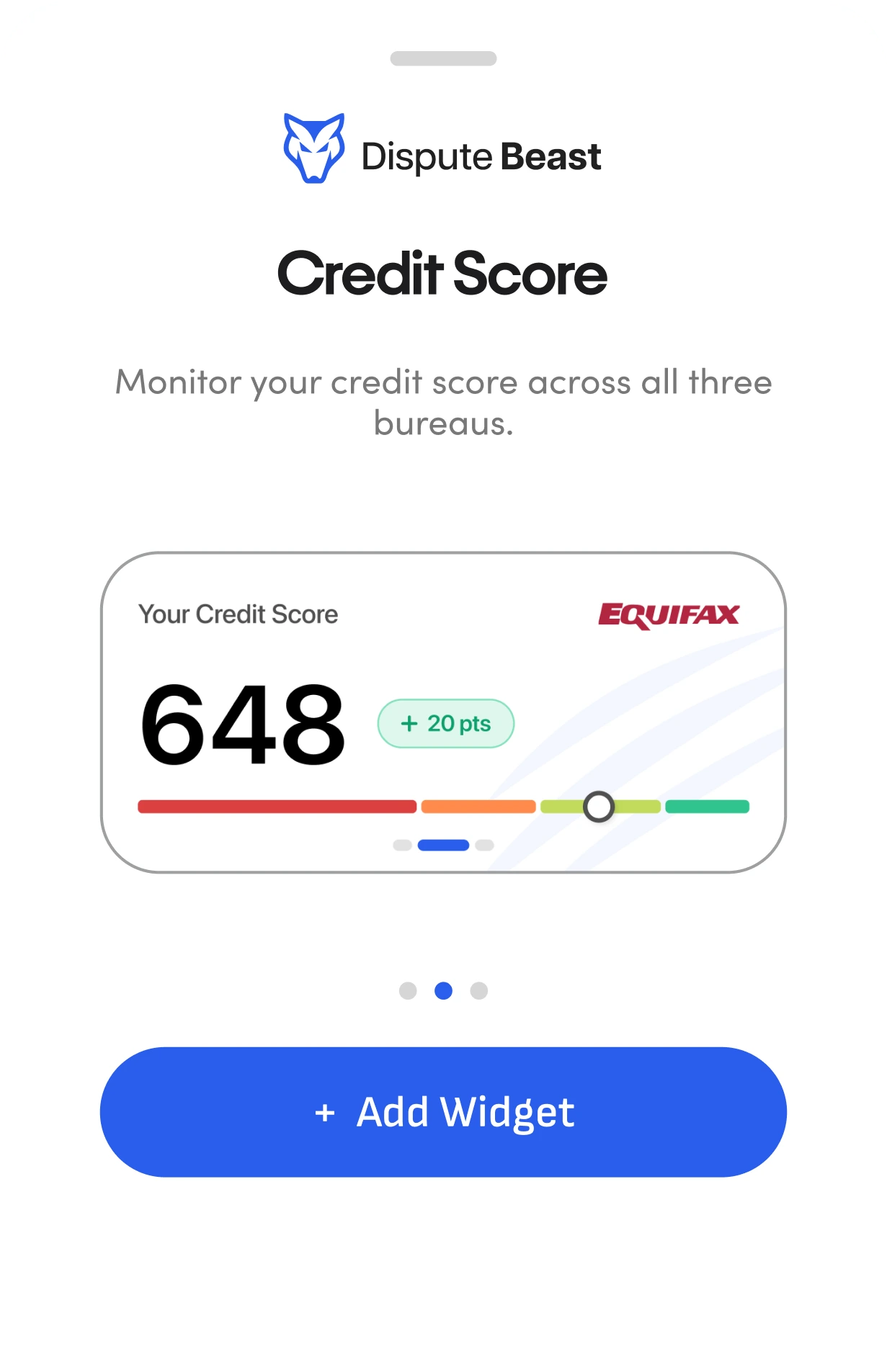
Monitor your VantageScore across all three bureaus, refreshed automatically so you always know where you stand.
Add the widgets to your iPhone home screen and see your score, cycle, and payments the second you unlock your phone - no app to open, no sign-in.
Your home screen widgets refresh on their own, so the numbers you see are always current - you never have to check.
Tap any widget on your home screen and you land on the exact screen inside the app - the fastest way in.
Monitor your VantageScore across all three bureaus, refreshed automatically so you always know where you stand.
See exactly how many days are left in your 40-day cycle until it's time to launch your next Beast attack
Get smart push notifications for score updates and required actions.
Part of your IQ Action Plan: see exactly how much to pay on each card. Tap to jump straight into the plan.
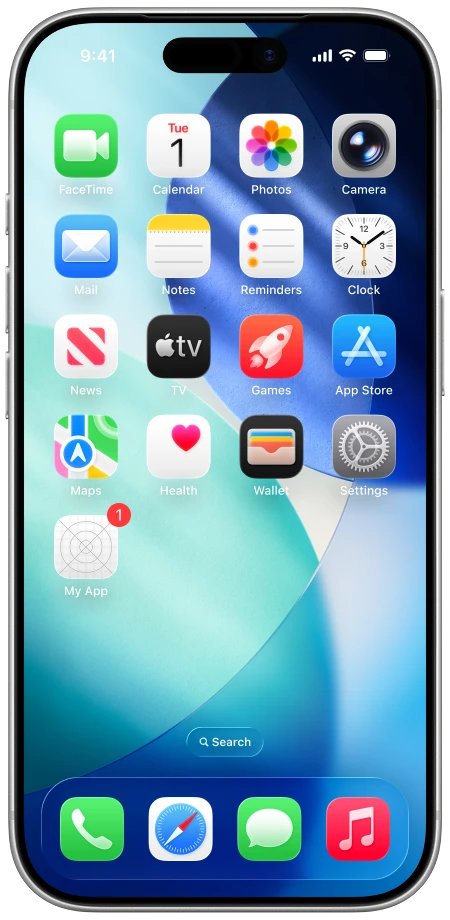
Touch and hold your screen’s background until the apps jiggle. Tap the + button at the top to open the widget gallery.
Search “Dispute Beast” and then tap our widget. Swipe to select the widget size, and then tap Add Widget.
Tap the widget and ensure Remember Me is on. Then sign in to your Dispute Beast account.
Ensure the Credit Score widget is turned on. Then leave the app to see your score shown on your device’s home screen.


Rated 4.6 by 2,300+ Users
Join the 100,000+ users taking control of their financial future.
Download the Dispute Beast app today.
Not an iPhone user? Continue on the web

