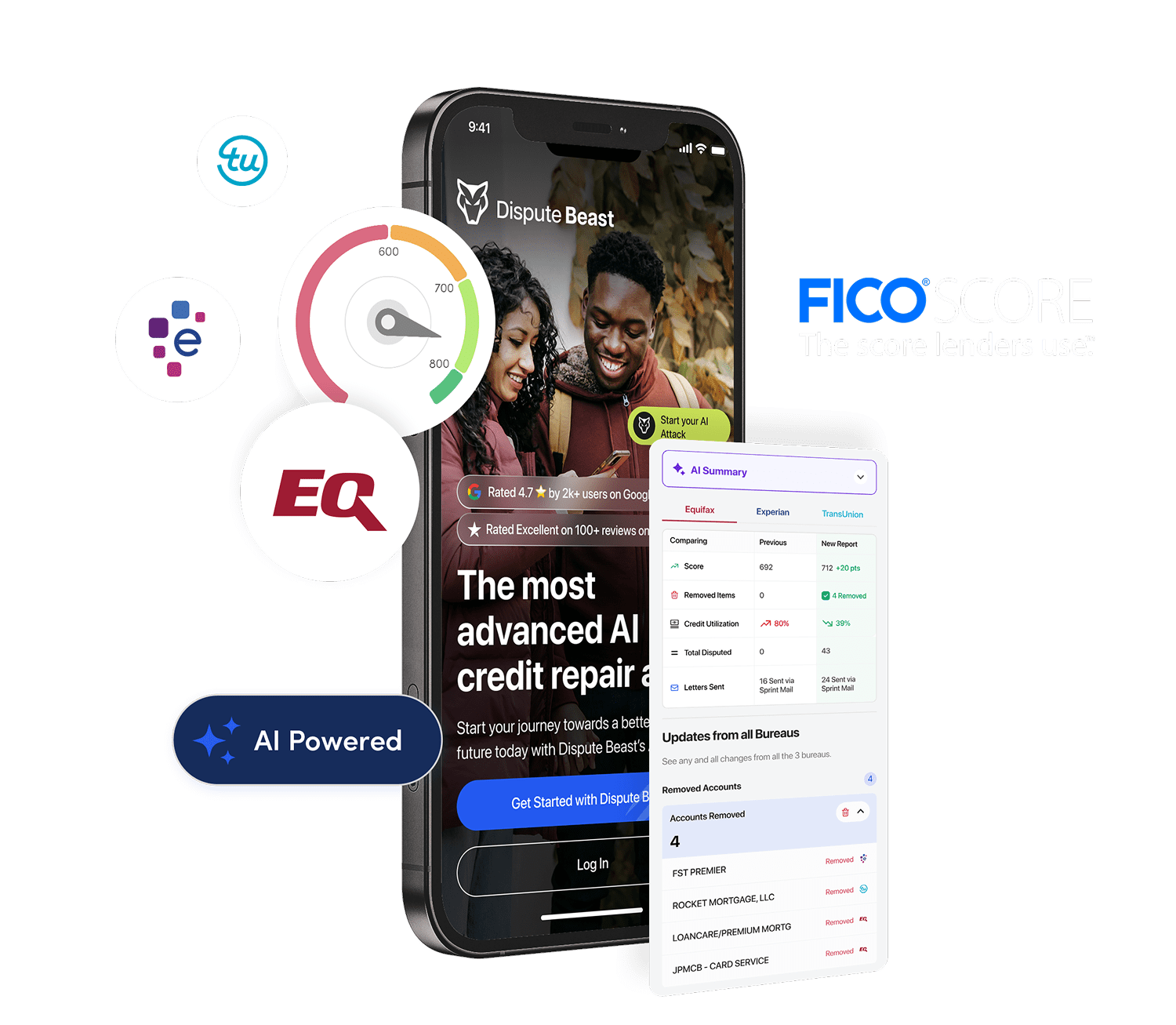

Credit repair is changing fast — and in 2026, the biggest gains no longer come from mailing dispute letters or relying on outdated templates. They come from AI-powered tools that analyze your entire credit profile, detect errors instantly, automate dispute cycles, and keep your score optimized month after month.
This guide gives you the complete, step-by-step AI credit repair checklist used by top-performing consumers, lenders, and financial professionals. Whether you’re rebuilding after major damage or looking for fast optimization gains, this checklist ensures every high-impact action is covered.
For foundational understanding of automated disputes, review our pillar resource on the AI dispute workflow before executing this checklist.
Why an AI-Based Checklist Works Better Than Traditional Credit Repair
Traditional credit repair relies on manual reviews, inconsistent dispute letters, and slow response tracking. AI, on the other hand, works like a high-speed audit system:
- Scanning every line of your credit report using pattern recognition
- Identifying inconsistencies humans overlook
- Auto-drafting precise dispute language backed by documentation
- Tracking 30-day cycles and follow-ups automatically
Even more importantly, AI catches errors the average consumer never thinks about — the ones affecting utilization, balance reporting, scoring windows, and inquiry clustering.
According to the CFPB, more than one-third of Americans have at least one credit report error. AI ensures none of those errors slip through unnoticed.
Your Complete AI Credit Repair Checklist (2026 Edition)
This checklist is divided into phases, allowing you to approach repair the same way an automated platform does: detect → analyze → dispute → optimize → monitor.
Phase 1 — Full Credit File Intake & Analysis
✔ Step 1: Pull All Three Bureaus
Always start with a complete tri-merge report:
- Experian
- Equifax
- TransUnion
AI tools do this automatically, but if you’re pulling manually, make sure they are full reports — not summaries.
✔ Step 2: Run AI Pattern Detection Across All Accounts
This is where AI shines. It detects issues the human eye usually misses, such as:
- Micro-discrepancies in dates
- Balances updated inconsistently
- Duplicate accounts reporting under different servicers
- Hard inquiries grouped unusually close together
- Accounts showing different statuses across bureaus
Many of these differences directly influence your credit score, especially for FICO 8 and FICO 10.
✔ Step 3: Prioritize High-Impact Errors First
AI automatically prioritizes issues based on scoring algorithms. You can manually follow the same logic:
- Incorrect late payments (major scoring damage)
- Balance or limit errors affecting utilization
- Duplicate collections or charge-offs
- Hard inquiries you didn’t authorize
- Obsolete information beyond the reporting window
Error prioritization is one reason automated systems outperform DIY repair.
Phase 2 — Document Collection & Error Verification
✔ Step 4: Match All Dates Against Your Real Statements
AI checks for inconsistencies, but you still need documentation. Common mismatches include:
- Open dates off by 30 days
- Closed accounts reporting as open
- Collection accounts with incorrect “date of first delinquency”
Incorrect dates can illegally extend the lifespan of negative items. This is why verifying documents is essential.
✔ Step 5: Gather Evidence for Each Error
Your dispute must include proof. The most useful documents include:
- Payment confirmations
- Statements showing correct balances
- Letters from creditors
- Proof of account closure
- Police reports (in case of fraud)
AI systems help categorize and attach documentation automatically.
Phase 3 — AI-Optimized Dispute Preparation
✔ Step 6: Auto-Generate Custom Dispute Letters
AI dispute engines outperform templates because they personalize arguments based on:
- Exact report line items
- Supporting documents
- Regulatory language (FCRA, FDCPA, FCBA)
- Patterns in previous bureau responses
This dramatically increases the likelihood your dispute is taken seriously and not flagged as “frivolous.”
✔ Step 7: Assign the Correct Dispute Type
The bureaus treat different errors differently. AI automates this, but here’s how to classify them manually:
- Incorrect data → factual inaccuracy dispute
- Account ownership issues → identity or fraud dispute
- Duplicate accounts → reinvestigation request
- Date discrepancies → factual correction request
- Obsolete information → outdated data removal request
Assigning the wrong dispute type can slow the process or trigger auto-denials.
Phase 4 — Submission & Tracking
✔ Step 8: Submit Disputes to All Relevant Bureaus
AI submits disputes to every bureau with a relevant error. If you’re doing this manually, submit individually:
- Experian Dispute Center
- Equifax Dispute Portal
- TransUnion Dispute Page
You should also keep a record of your submission dates, confirmation numbers, and supporting documents.
✔ Step 9: Track 30-Day Cycles Automatically
Every dispute goes through a reinvestigation period (up to 30 days). AI systems track:
- When the dispute was submitted
- When the bureaus must respond
- Incoming updates or pushbacks
- Missing documentation requests
Manual tracking often leads to forgotten deadlines — and lost opportunities for resolution.
Phase 5 — Resolution & Correction
✔ Step 10: Verify Bureau Responses
Bureaus may:
- Correct the error
- Delete the account
- Update the data
- Claim the information was “verified” but provide no proof
AI tools instantly compare the updated line items to your original report to confirm accuracy.
✔ Step 11: Resubmit Follow-Up Disputes When Necessary
If the bureau refuses to correct an obvious error, you may need to escalate. AI handles follow-ups automatically, but manually you would:
- Request method of verification
- Provide additional proof
- File a supplemental dispute
- Contact the furnisher directly
Most consumers give up too early — but the biggest score improvements often come from rounds 2 and 3.
Phase 6 — Score Optimization Beyond Disputes
✔ Step 12: Analyze Utilization Trends
AI continuously monitors your utilization and can predict how changes will affect your score. Small utilization shifts (3–7%) can increase your score faster than many dispute outcomes.
Learn more about how utilization affects scoring through Experian’s utilization guide.
✔ Step 13: Identify Fast-Impact Behavior Adjustments
AI highlights your fastest scoring wins, such as:
- Paying down one specific card instead of all cards evenly
- Lowering utilization under key thresholds (49%, 29%, 9%)
- Adjusting reporting dates to optimize when balances appear
- Removing or reassigning authorized user accounts
These optimizations can create rapid 20–60 point gains.
✔ Step 14: Predict Score Changes from Upcoming Actions
AI modeling helps you understand how your score will react if you:
- Open a new card
- Take on a loan
- Pay off a collection
- Remove an account
- Reduce utilization
This prevents decisions that seem good but harm your score short-term.
Phase 7 — Long-Term Monitoring & Automation
✔ Step 15: Run Monthly AI Scans Automatically
Errors reappear. Lenders misreport. Balances update incorrectly. AI ensures your report stays clean by running:
- Monthly report scans
- Error detection routines
- Utilization analysis
- Inquiry monitoring
This prevents repeat damage after you’ve repaired your score.
✔ Step 16: Re-Optimize as Your Profile Evolves
Your credit file is not static — and AI adapts to:
- New accounts
- Closed accounts
- Balance changes
- Score shifts
- Financial milestones
The goal is not repair — the goal is continuous optimization.
Should You Use AI or Fix Your Credit Manually?
Manual credit repair is possible, but it’s slow, inconsistent, and error-prone. AI credit repair tools outperform manual methods because they:
- Detect errors instantly
- Handle multiple disputes at once
- Create optimized letters automatically
- Track deadlines without human error
- Monitor future changes continuously
If you want to understand how AI detects errors before they damage your score, read our guide on AI-based error detection.
AI Is No Longer Optional in Credit Repair
In 2026, credit repair without AI is like navigation without GPS — possible, but slow and full of mistakes. With the checklist above, you now have the same playbook used by advanced automation platforms and professionals who repair credit at scale.
If you’re ready to accelerate your credit improvement with automated detection, disputes, and optimization, start by reviewing the full AI dispute workflow and apply the checklist today.